Organize your games with GameLibrary

GameLibrary is a desktop app to regroup all of your installed games from all launchers, as well as configurable custom folders or games.

main logo

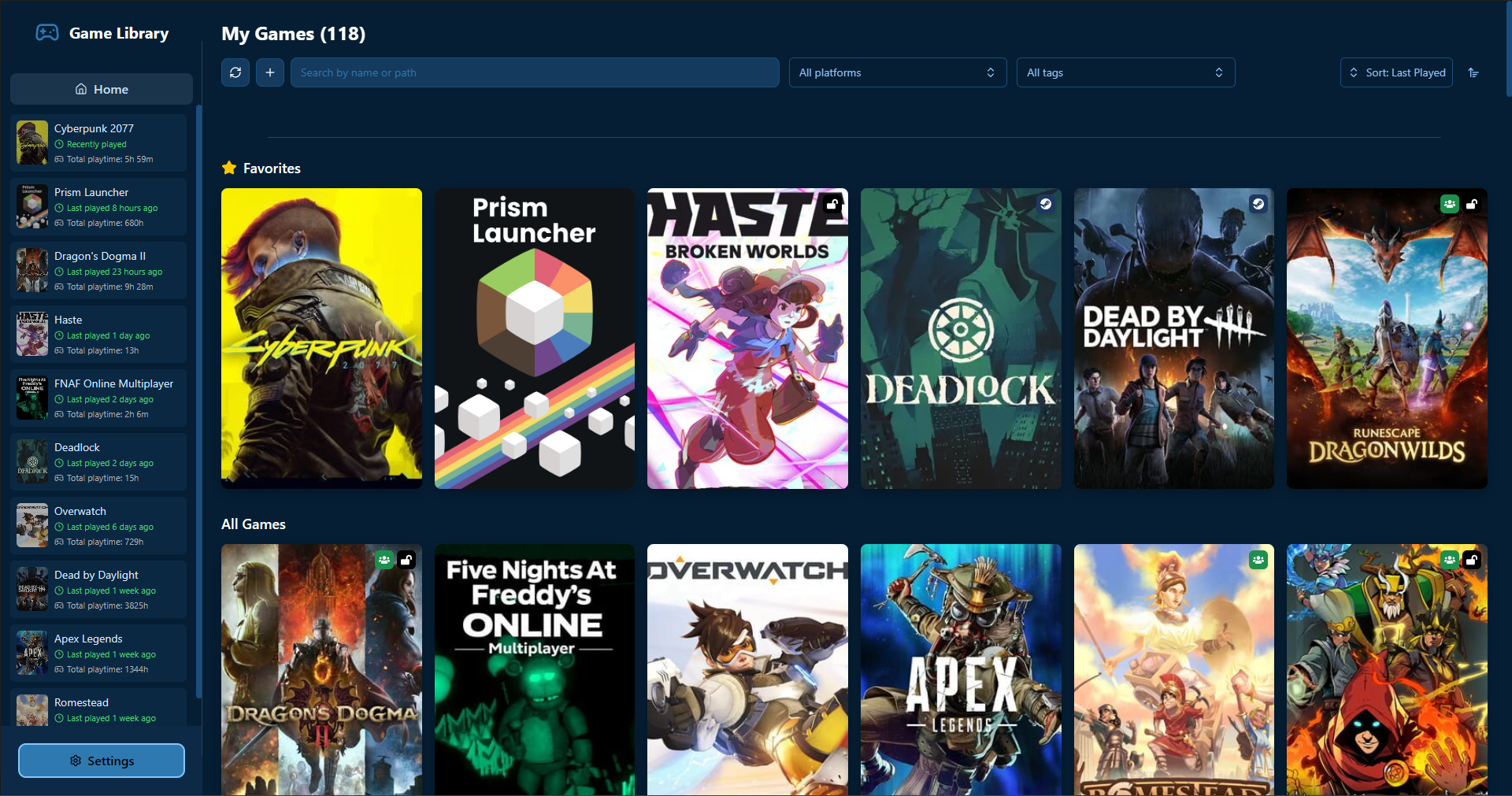
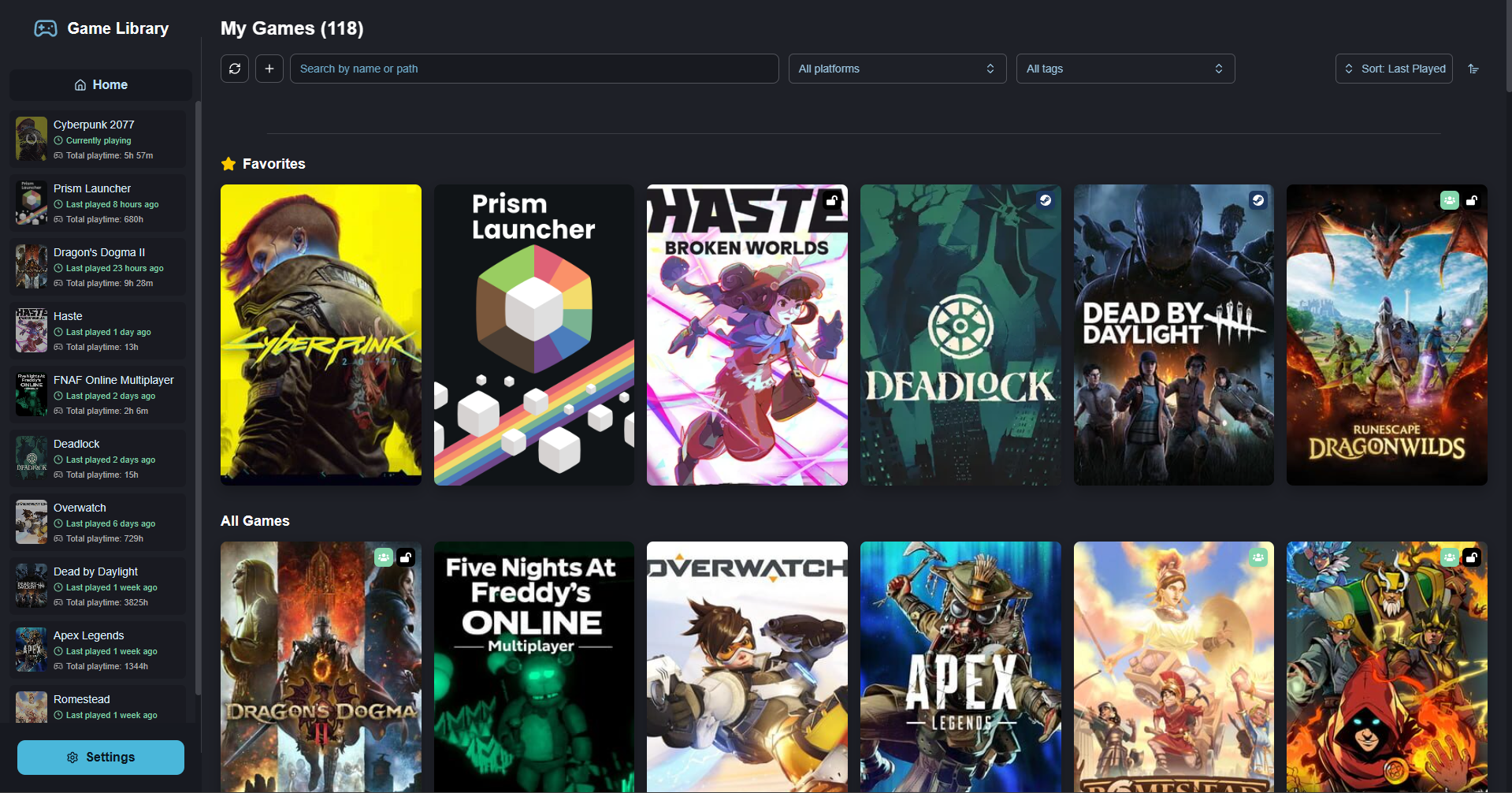
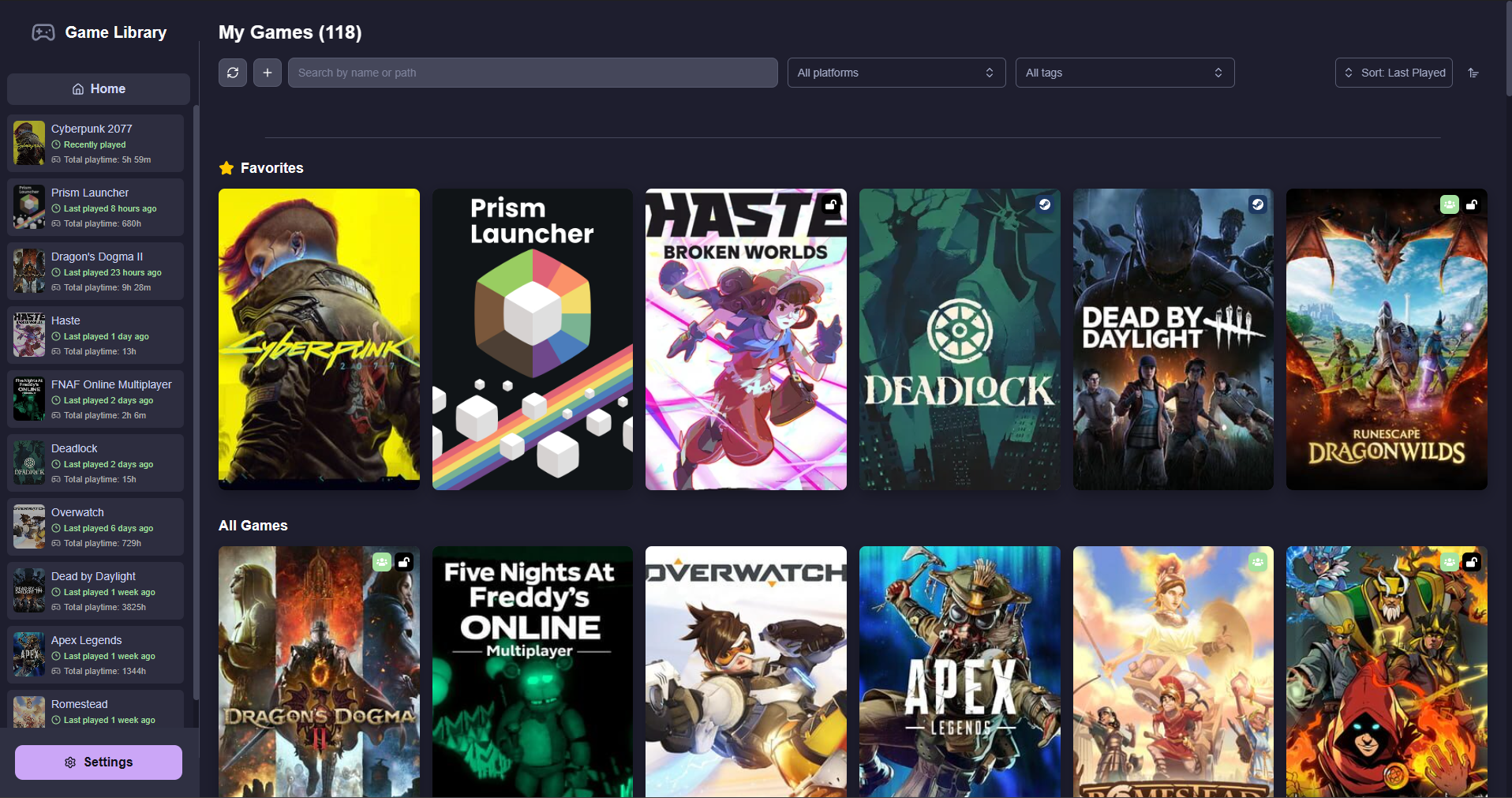
Library

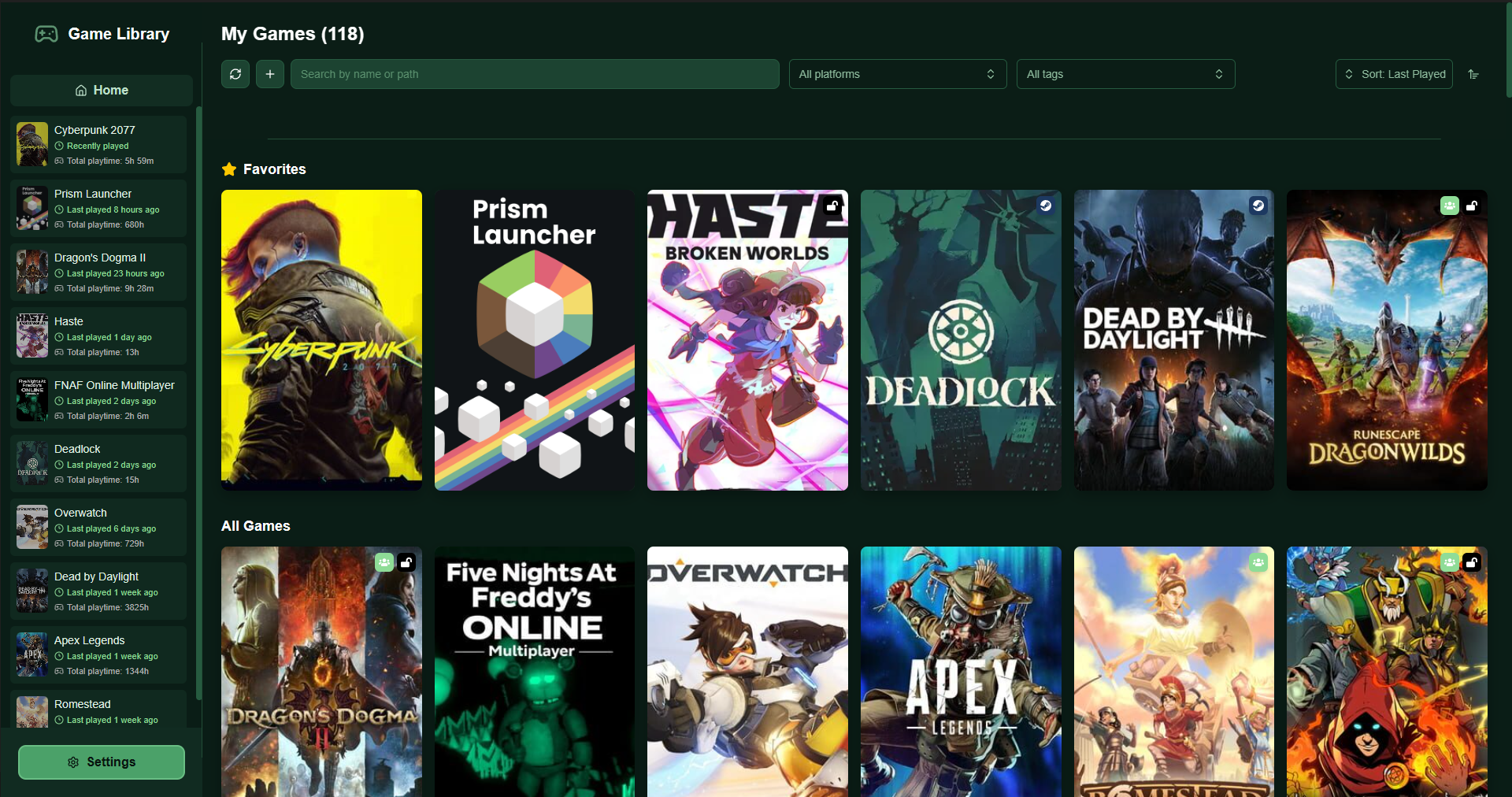
A fresh and clean library that is also compatible with controller inputs, like Steam Big Picture.

GameLibrary library view

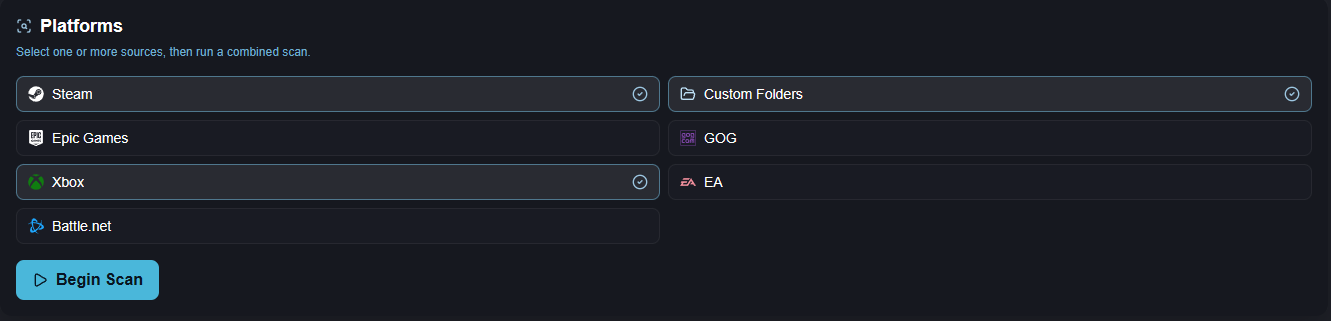
Game Scanner

Scan the different platforms and custom folders you use and find your games without having to add everything by hand.

Game scanner

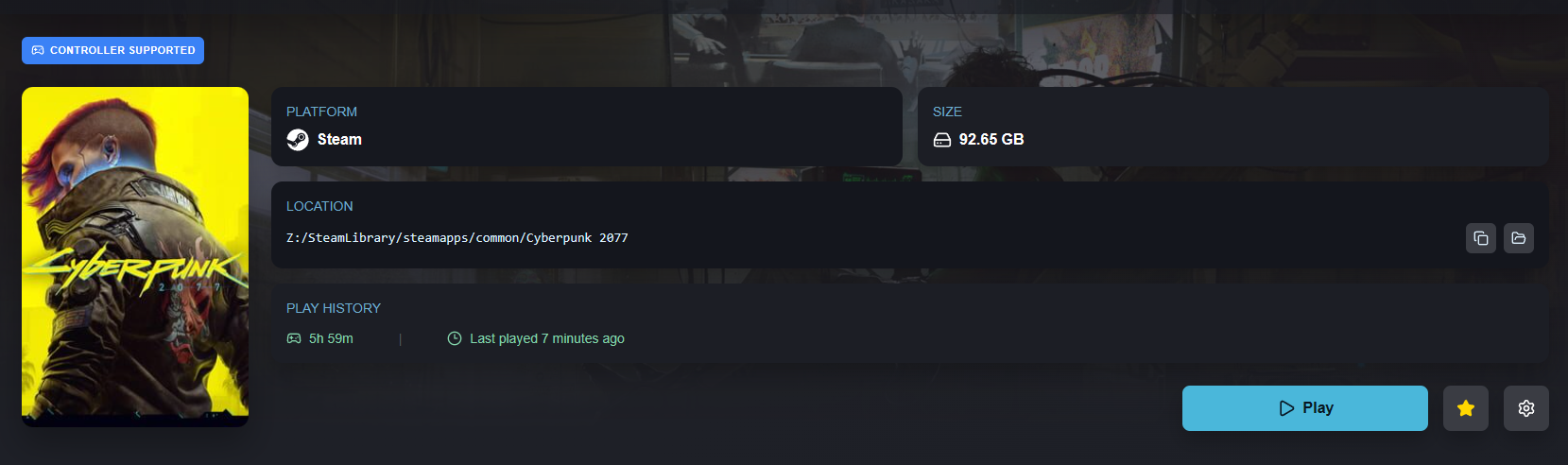
Playtime Tracker

Track your playtime on all your games!

GameLibrary playtime tracker

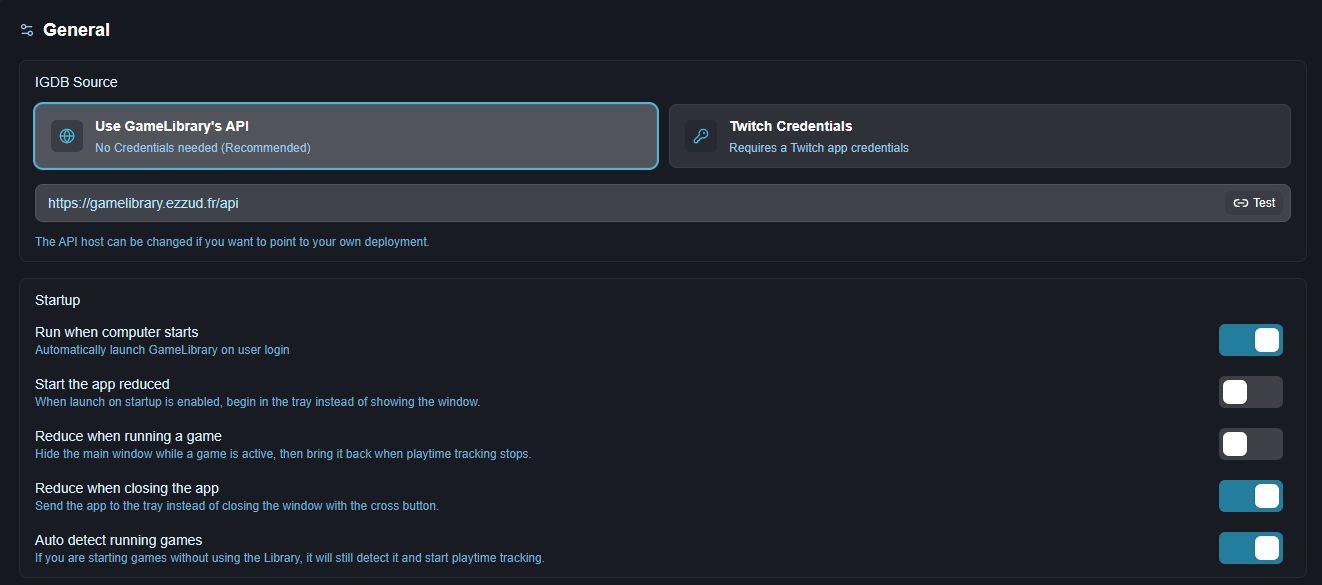
Fully Configurable

Choose how the app starts and choose if you want to use your own API credentials instead of going through my API.

API and startup configuration

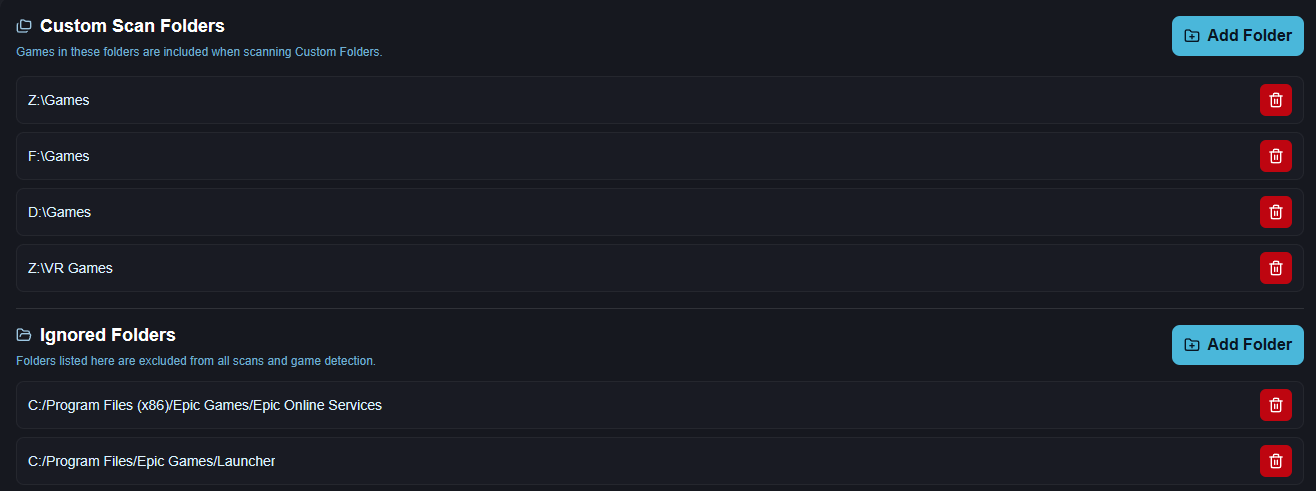
Custom Folders

Search folders for games that do not come from a supported platform, or just folders you want to keep nearby.

Custom folders

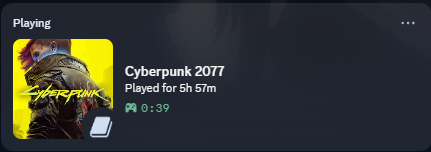
Discord Presence

Show your playtime, game image and current game on Discord. Blacklist games you do not want displayed.

Discord Presence settings

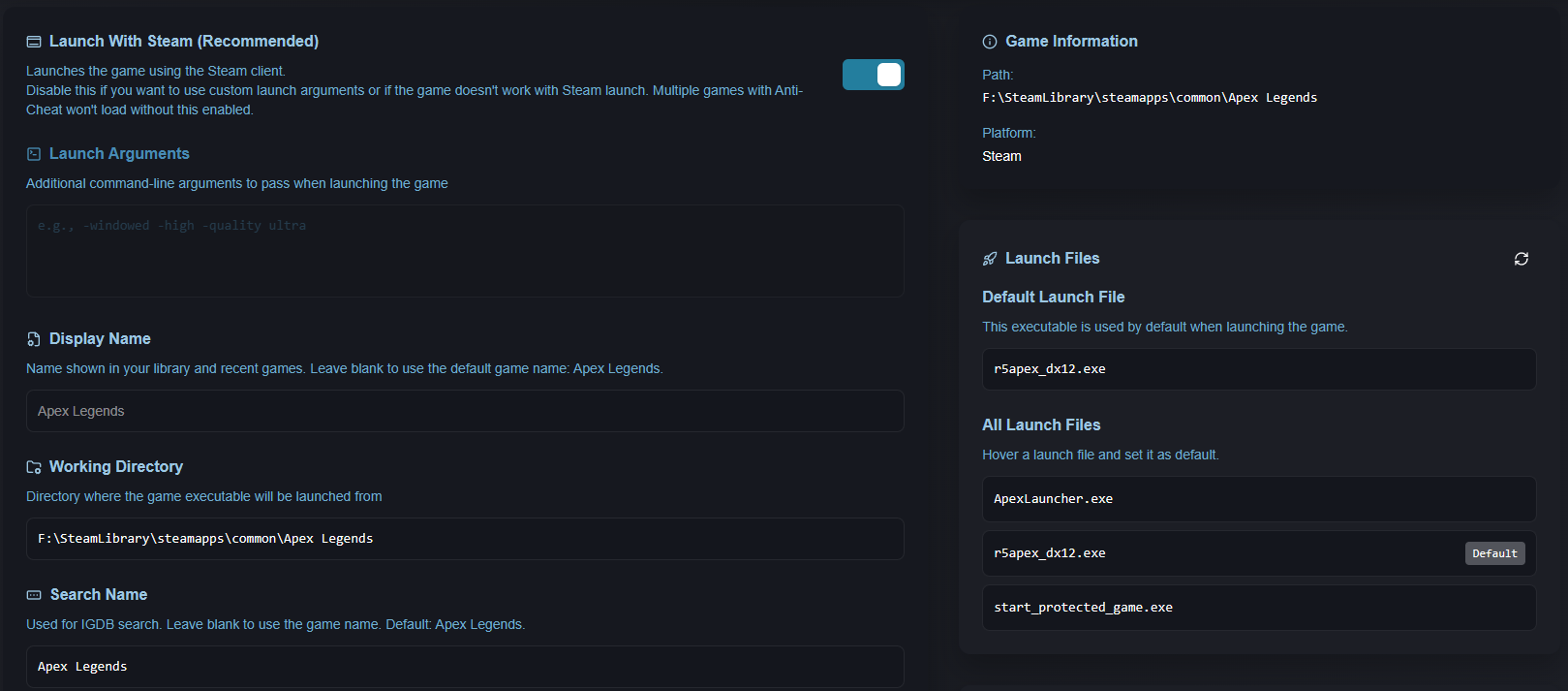
Game Settings

Change a game’s display name, Steam launch settings, launch file and custom arguments.

Configurable game settings

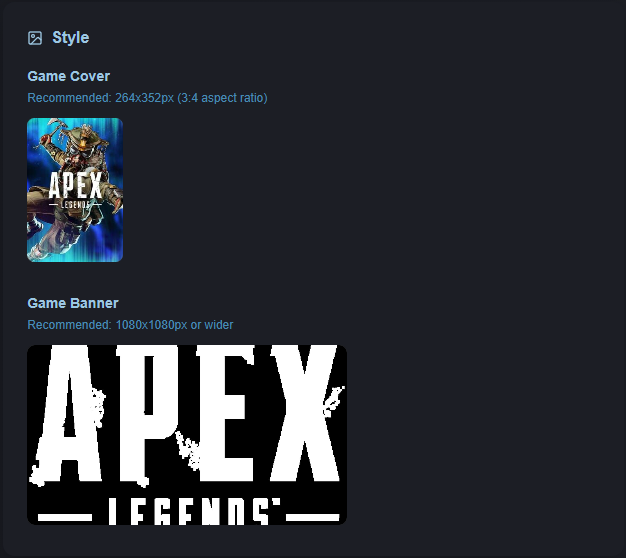
Custom Game Appearance

Customize how each game looks in your library instead of settling for the default card.

Stylable game appearance

Themes

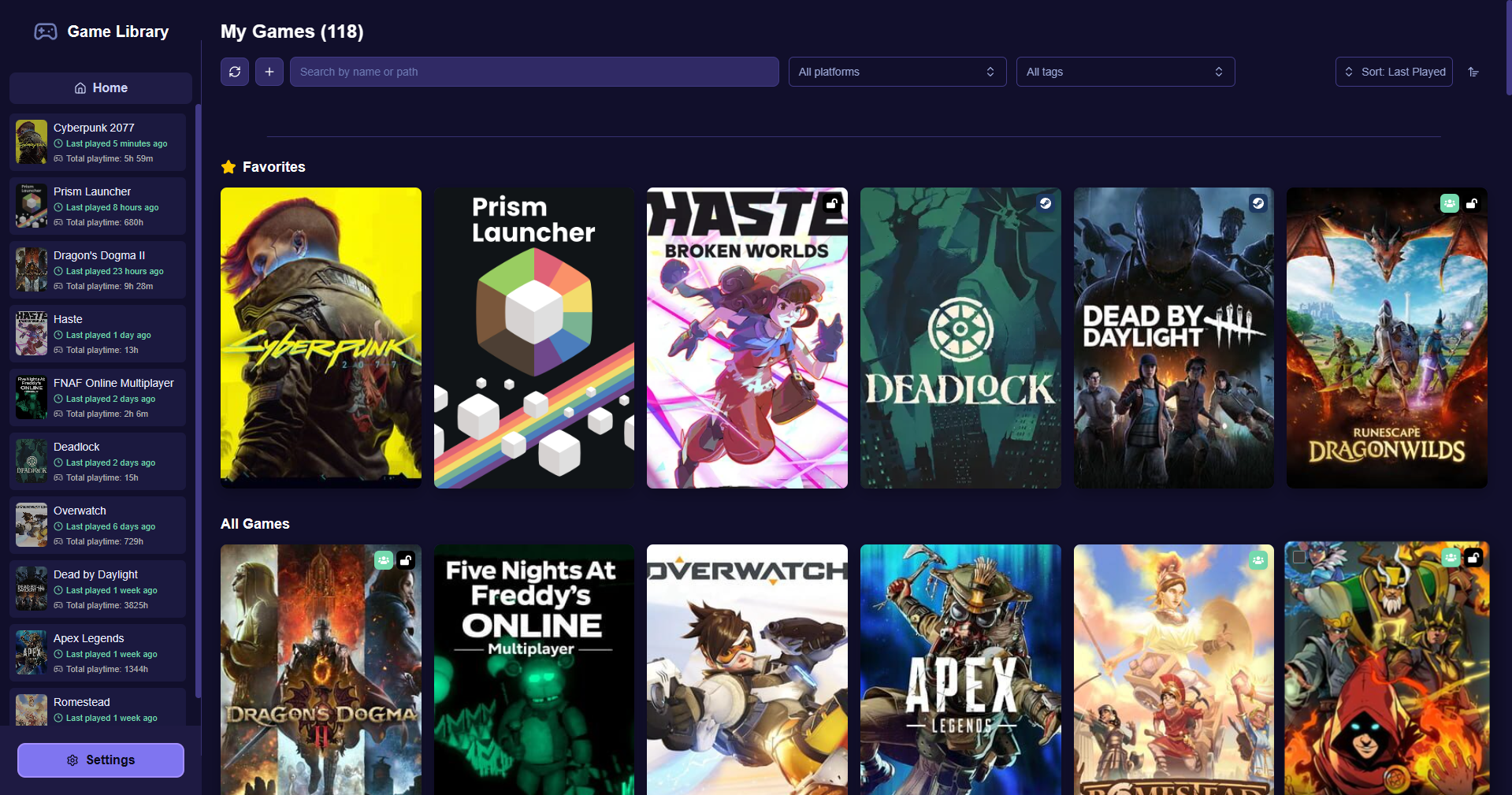
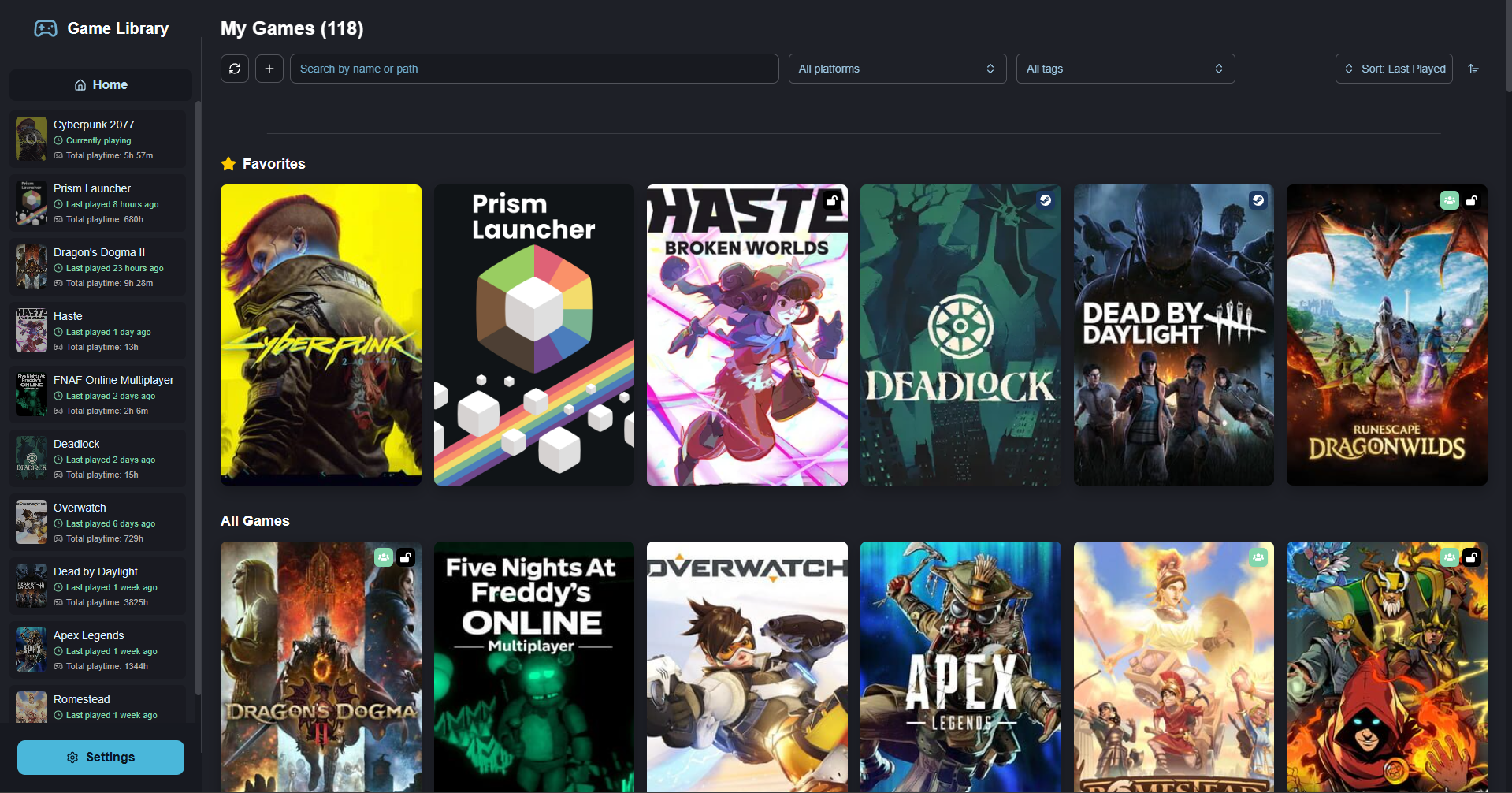
Pick a theme that fits you. There are a few to start with, and more can be added later.
Contact & Support

If you have any questions, issues or suggestions, feel free to join our support server or send us an email, we will be happy to help you!

Support Server [email protected]

Team